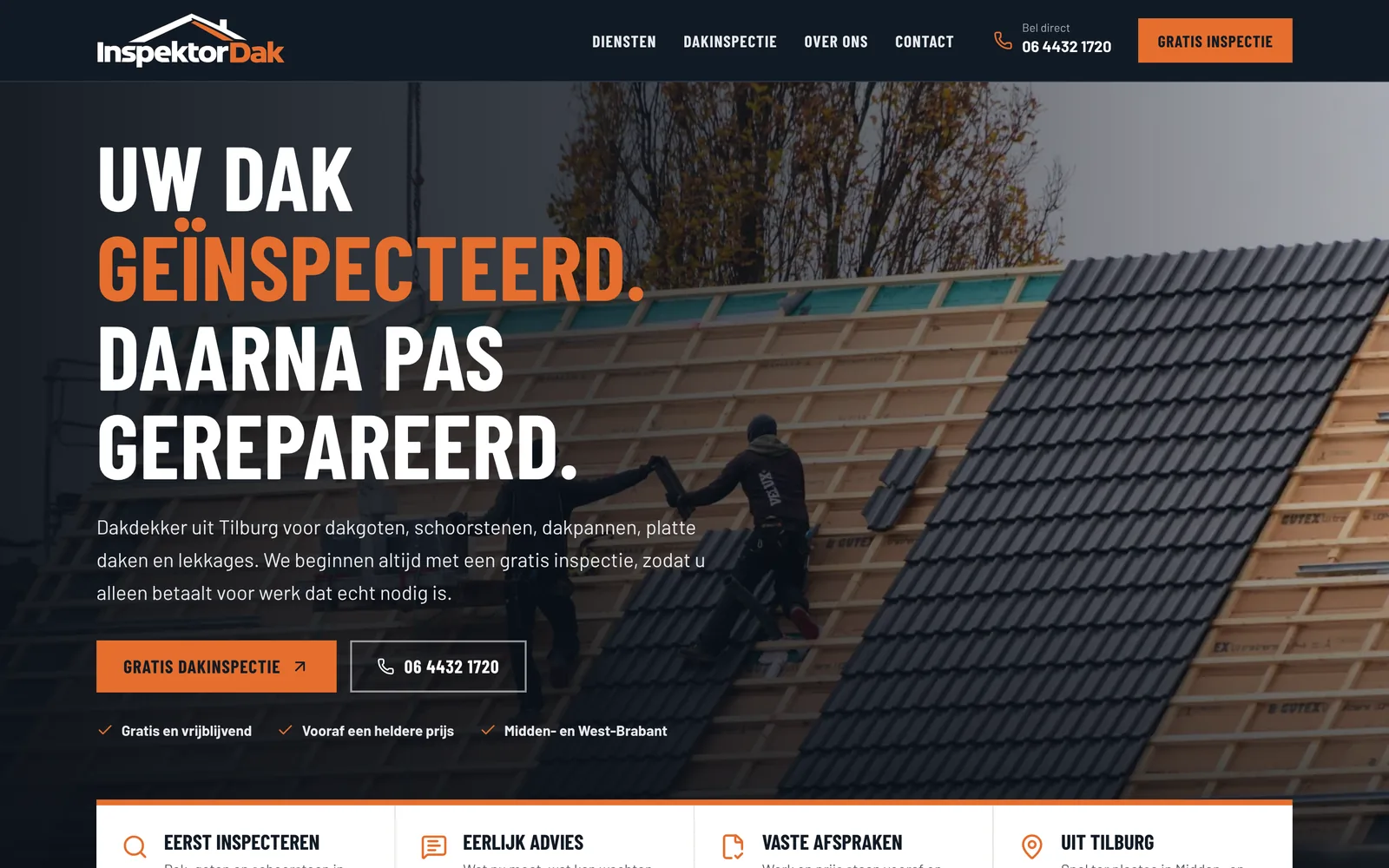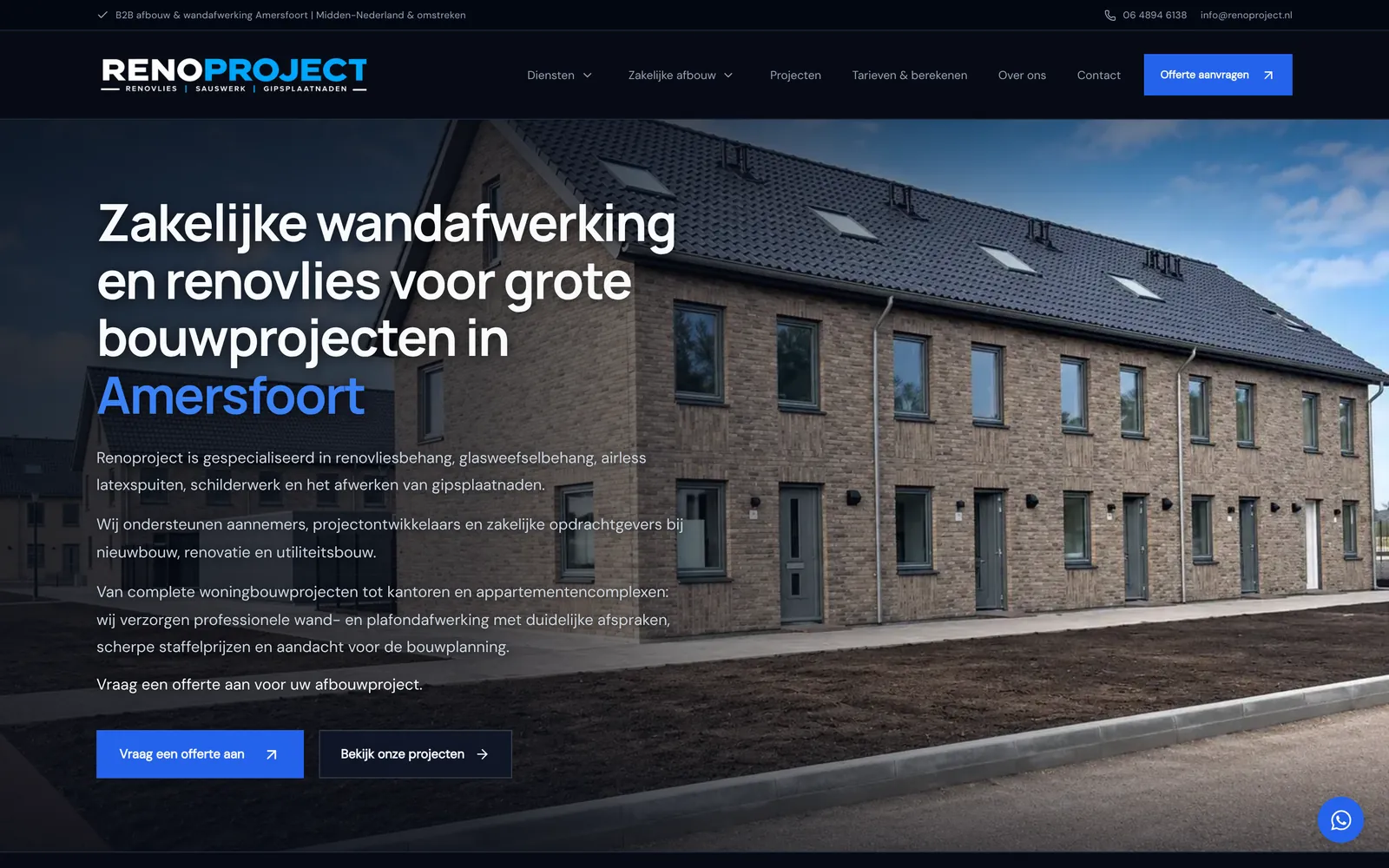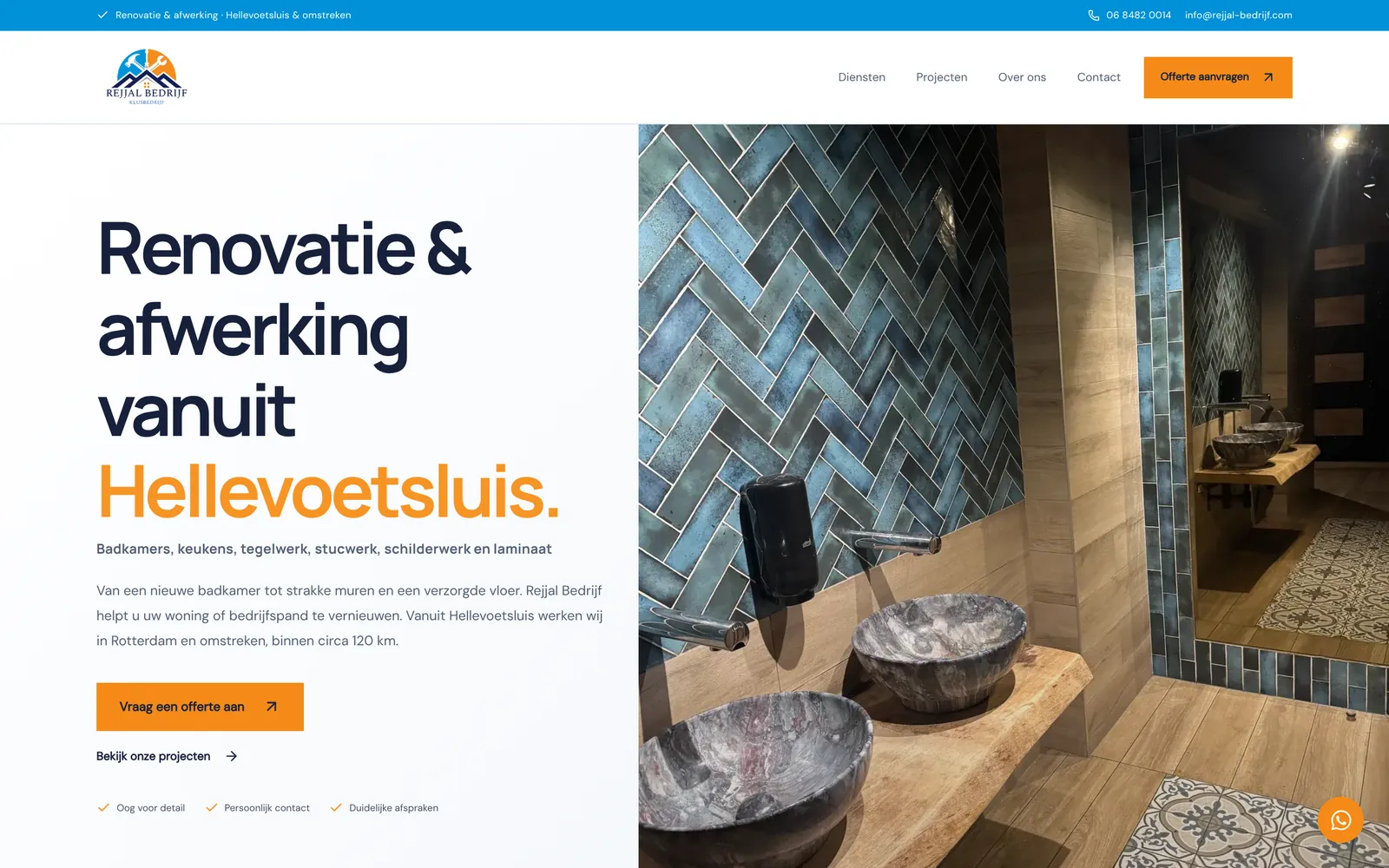
Case study · Jewelry webshop
MudyJewelry: a jewelry webshop with a design tool for custom pieces
MudyJewelry sells personalised jewelry, such as necklaces, bracelets, rings and earrings with a name. For the webshop I designed and built a design tool where customers create their own name necklace. They see their design instantly in a live preview and a 3D view, with a price that updates with every choice.
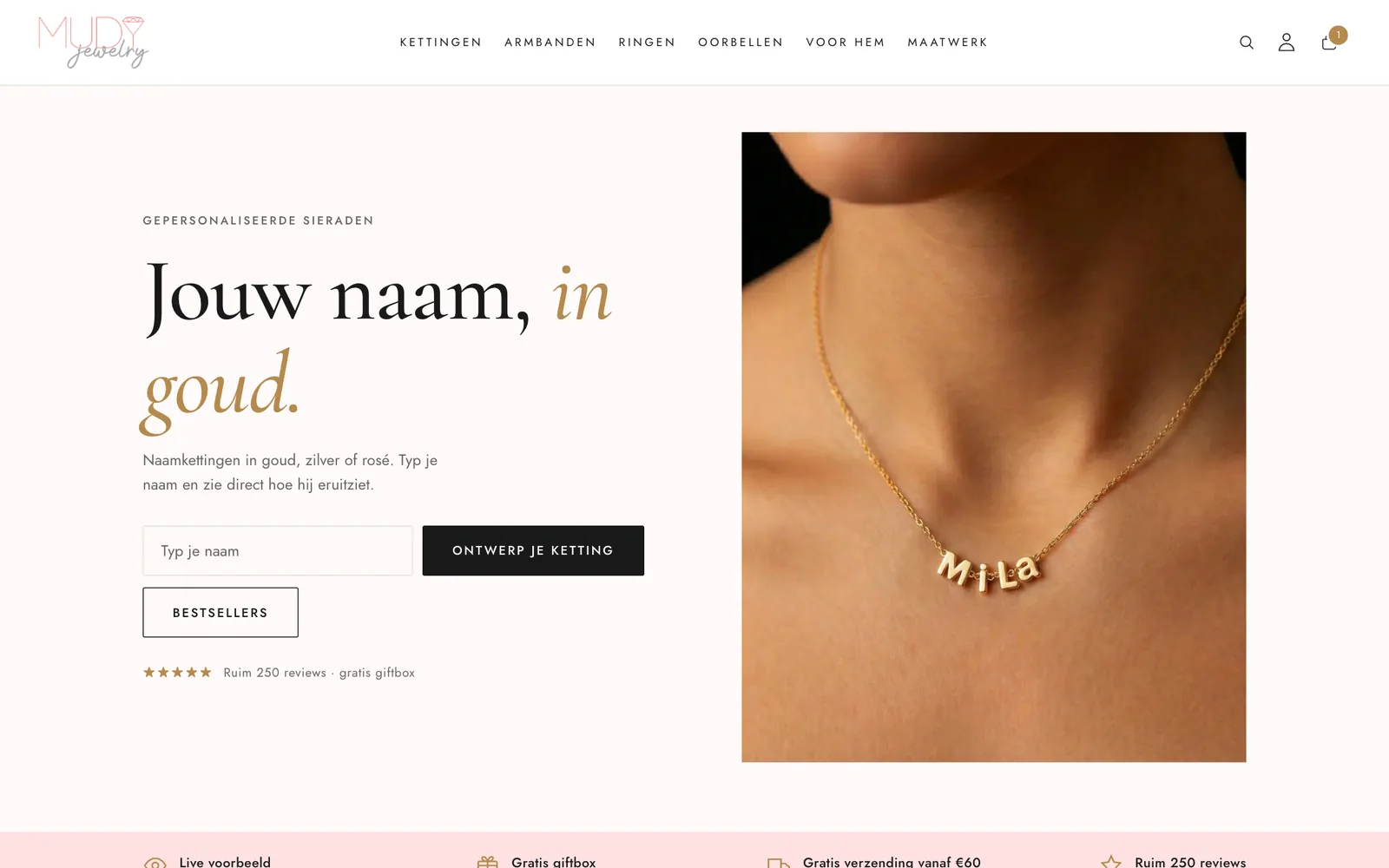
Screenshots
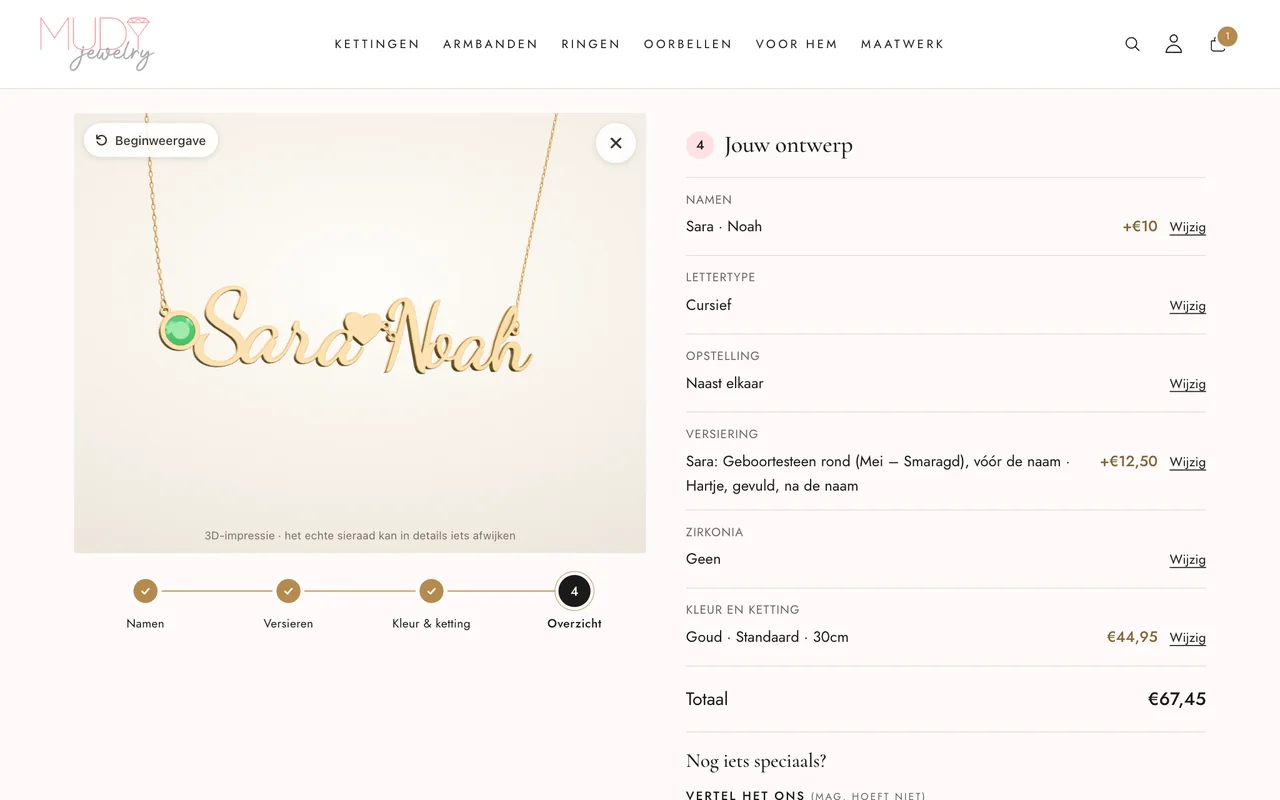
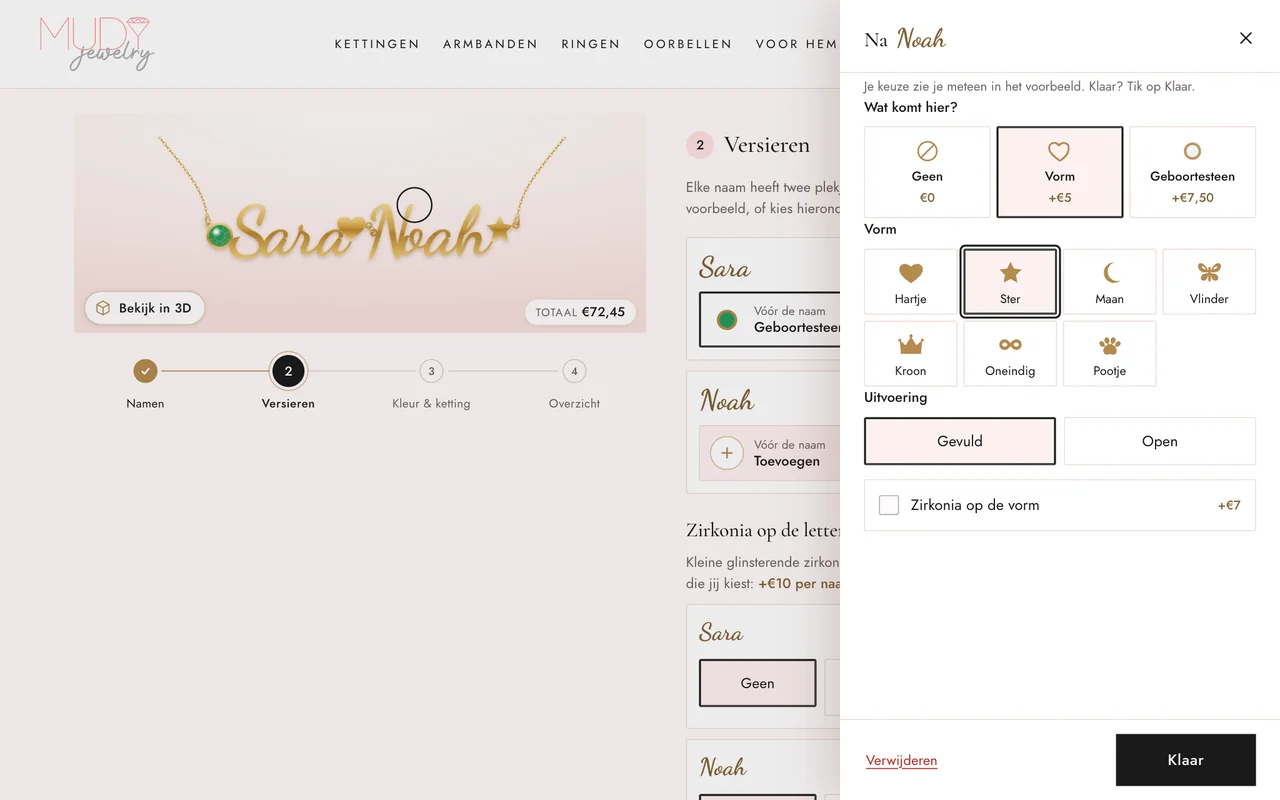
Captured from the MudyJewelry website (in Dutch).
- Sector
- Personalised jewelry
- Platform
- Shopify
- Key feature
- Design tool for custom name necklaces
- Options
- 1 to 5 names, 8 fonts, 7 shapes and 12 birthstones
About MudyJewelry
MudyJewelry is a webshop for jewelry with a name or initials. The range is organised into collections such as name necklaces, necklaces with Arabic names, family necklaces, initials, bracelets, rings, earrings and jewelry for men.
Some customers want a piece that differs from the standard models: more names, a shape of their own or a birthstone. For them there is a dedicated custom design page, reachable through “Maatwerk” (custom) in the main menu.
What the design tool had to do
With personalised jewelry, customers want to see the result beforehand: which font, how two names hang side by side and where a heart or birthstone goes. The tool had to keep many choices manageable, show the result immediately and update the price with every choice, so there are no surprises at checkout.
The maker of the piece also needs to know exactly what was ordered. Every choice therefore had to end up in the order completely and unambiguously, together with an image of the design.
What was built
The design tool guides customers from name to cart in four steps: names, decorate, colour and chain, and an overview.
Four steps with a live preview
The necklace preview changes instantly with every choice. Five quick-start examples, such as “Koppel” (couple) and “Mama + kinderen” (mum + children), give a starting point that stays fully editable. In step three the customer picks gold, silver or rose gold, one of four chain models and a length from 30 to 60 cm.
Rotatable 3D view
“Bekijk in 3D” (view in 3D) opens a 3D impression of the customer’s own design that can be rotated, with a button back to the default view. The tool honestly notes that the actual piece may differ slightly in detail.
Names, fonts and layout
One to five names of up to twelve characters, in eight fonts, two of them Arabic. The names hang below each other, side by side, as links in the chain or layered with a chain per name.
Shapes, birthstones and zirconia
Every name has a spot before and after it. That spot takes a shape (heart, star, moon, butterfly, crown, infinity or paw, filled or open) or a birthstone per month in a round, diamond-shaped or heart-shaped setting. Zirconia can be added to the first letter, chosen letters or the whole name.
A price that updates instantly
Every extra name, shape, stone or zirconia shows its surcharge up front, and the total always stays in view. The overview in step four lists each choice and its price, with a button to change it.
Complete order details
The design reaches the cart with every choice as a separate line: names, font, layout, shapes, stones and chain model, plus an image of the design and the font file. Surcharges are added as a linked line. Customers can add a note and an inspiration photo, and confirm the spelling of the names.
Site structure and search visibility
The menu divides the range into collections per type of jewelry, and “Maatwerk” (custom) in the main menu leads straight to the design tool. That makes the tool reachable from every page in one click.
The design tool has its own page with its own title, description and canonical URL. Breadcrumbs are added as structured data.
- Collections per type of jewelry, such as name necklaces, Arabic names and family necklaces
- “Maatwerk” (custom) in the main menu, straight to the design tool
- Own title, description and canonical URL for the design tool
- Breadcrumbs as structured data
Mobile use
The design tool is built mobile-first. On a phone the necklace preview stays at the top of the screen while the customer scrolls through the options, and a fixed bar at the bottom holds the previous and next buttons and the total price.
Choosing what goes in a spot, such as a shape or birthstone, opens a panel from the bottom of the screen on mobile. On a large screen the same panel slides in from the right.
Built with
- Shopify
- Liquid
- JavaScript
- SVG preview
- 3D view
This case study describes what was built. Figures on visitors, enquiries or search rankings are only published with measurement data and the client’s permission.